

Move Your Crypto to the New RockWallet App
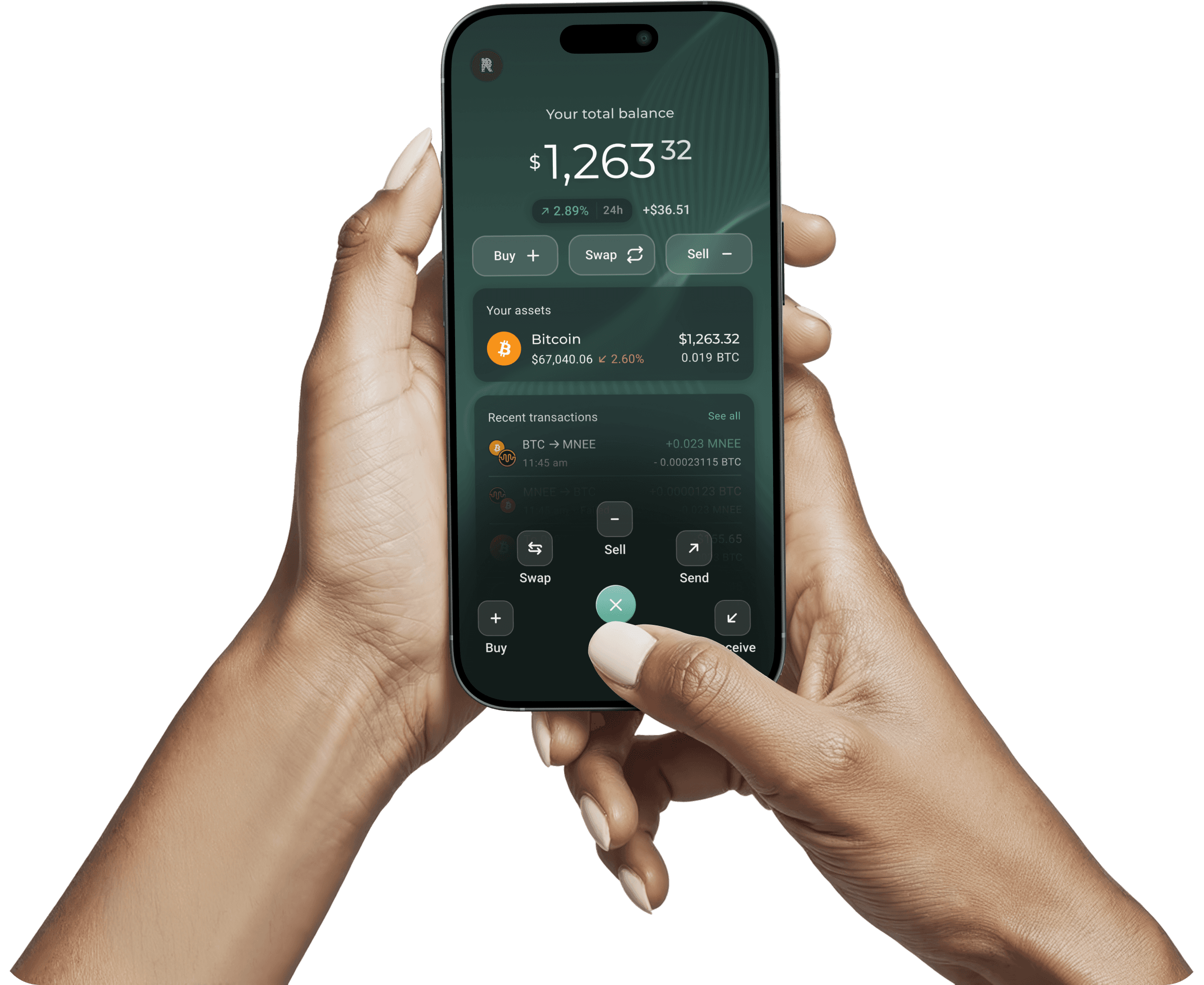
New RockWallet App is here: a faster, more secure version of the wallet you already use. Moving your funds takes a few minutes, and our team is here if you need help along the way.
 SOC 2 TYPE II CERTIFIED
 FINCEN REGISTERED
 ISO 27001 CERTIFIEDSOC 2 TYPE II CERTIFIEDFINCEN REGISTEREDISO 27001 CERTIFIED
What does migration mean?
Same wallet. Better experience.

Why a new app?
We rebuilt RockWallet from the ground up. The NEW RockWallet is a completely new app with a refreshed design, faster performance, and stronger security controls. It’s the same team and the same platform: just a better version of everything you already trust.
What does "migration" actually mean?
You’re sending your crypto from one wallet to another. Migration means moving your funds from the original RockWallet app to New RockWallet App. You’ll copy a wallet address, send your assets, and confirm they’ve arrived. That’s it.
What happens to the original RockWallet?
The original app will eventually be retired. RockWallet 1.0 will remain available for a period of time while you transition. We’ll share updates as that timeline becomes clearer.
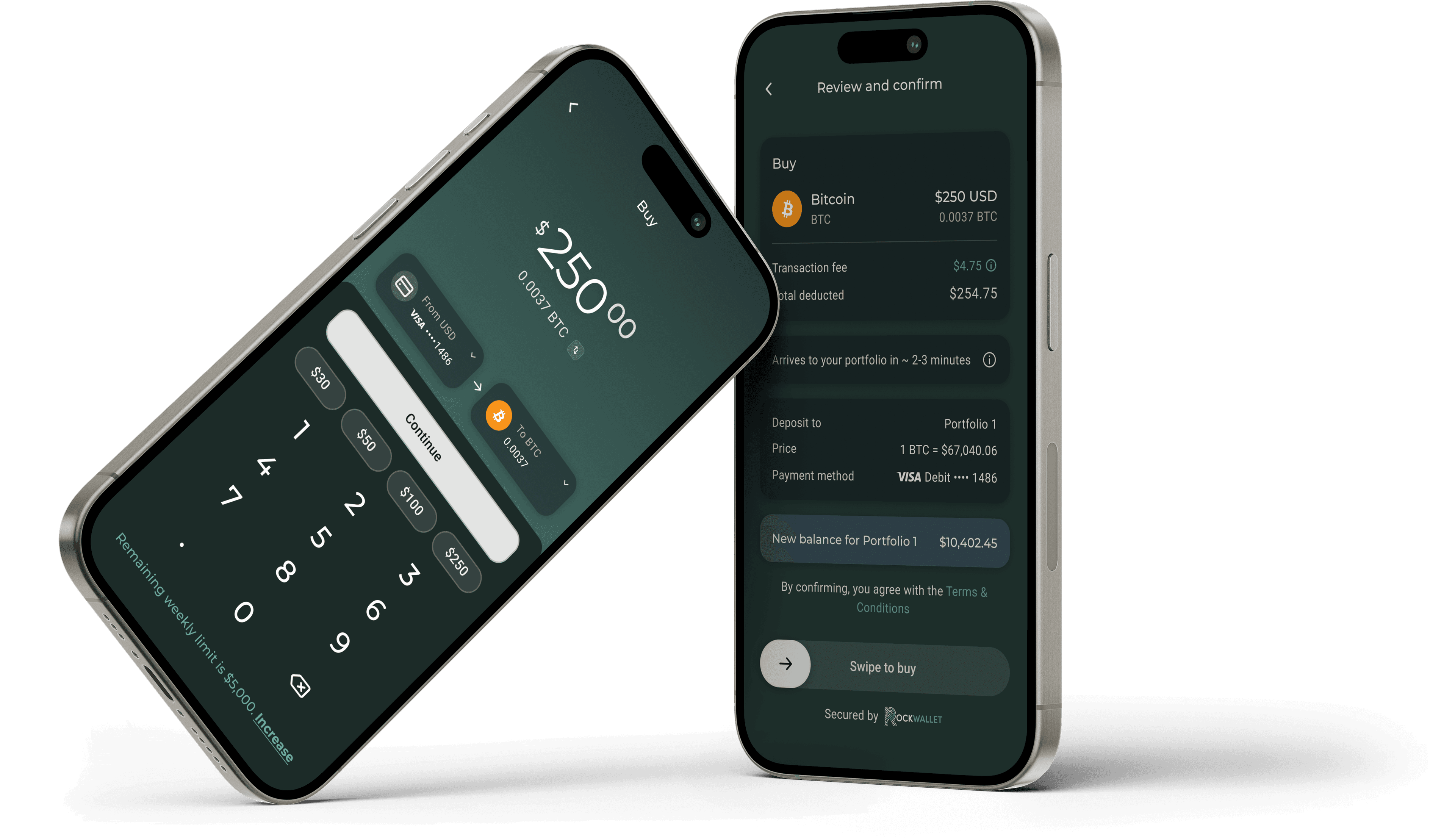
How to Move Your Funds.
Four Steps. A Few Minutes. You're Done.

Download the NEW RockWallet
Get the new app from the App Store or Google Play and create your account. If you already have the NEW RockWallet account, just sign in.
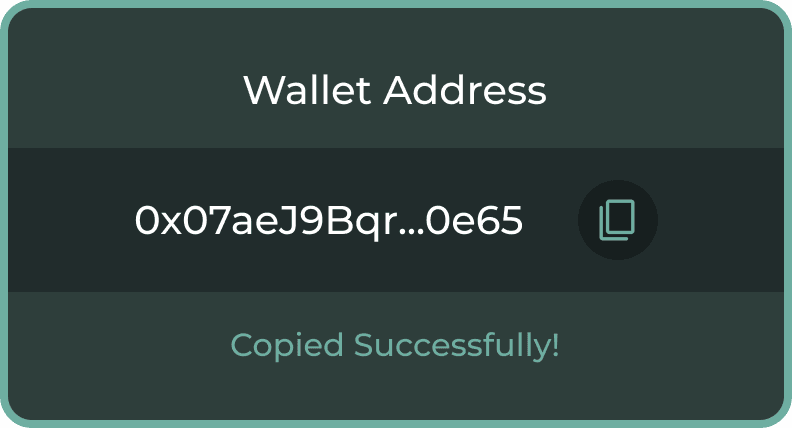
Get your wallet address in the NEW RockWallet
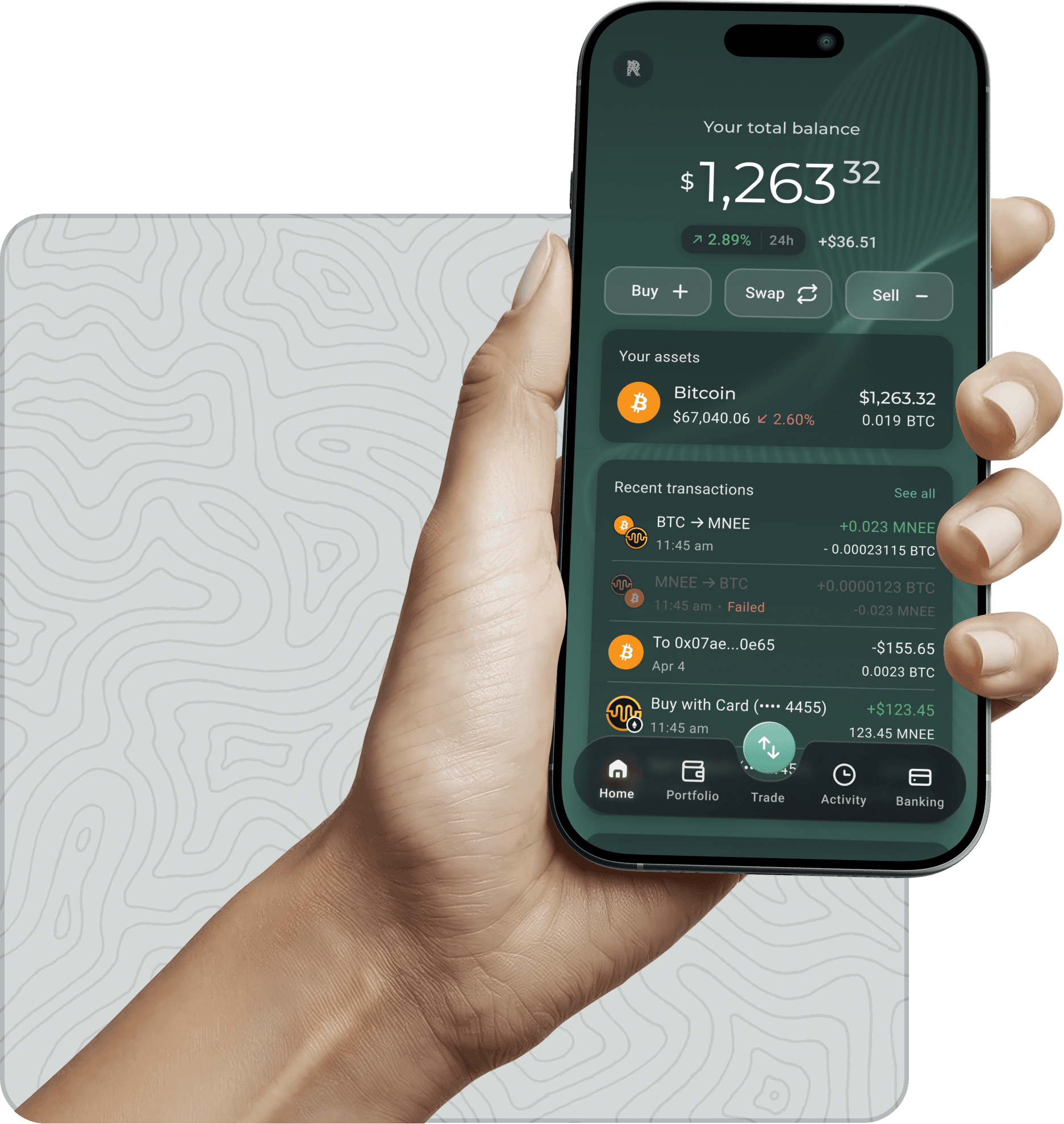
Open the New RockWallet App, tap Trade, then tap Receive. Select the token you want to move and copy the wallet address shown.
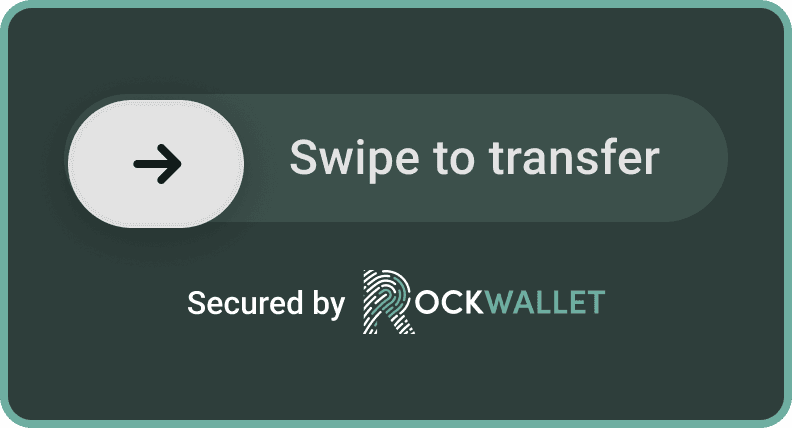
Transfer funds from the original app
Open the original RockWallet app, tap Send, and select the same token. Paste the wallet address from Step 2 and enter the amount. We recommend sending a small test amount first ($1 to $5) then sending the rest once it arrives.
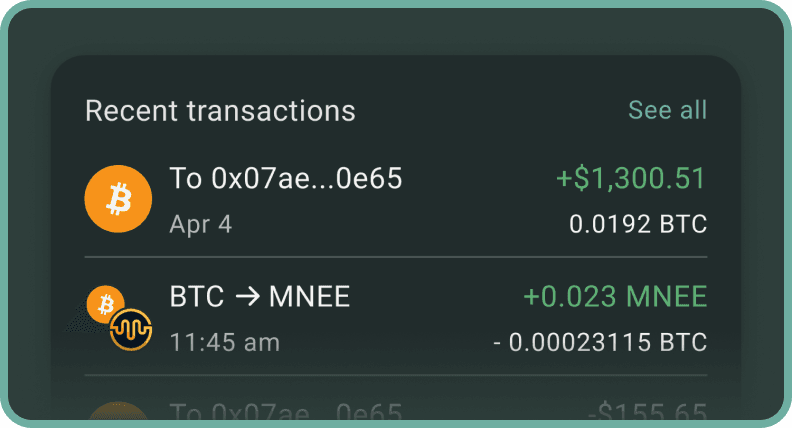
Confirm your funds have arrived
Open the New RockWallet App and check that your balance has updated. Repeat for each token you hold.
Things Worth Knowing
You’ll need a small amount of ETH for network fees. If you’re moving tokens that run on the Ethereum network (like USDC or USDT), your wallet needs enough ETH to cover the transaction fee. The minimum ETH purchase in the New RockWallet App is $30.
XRP minimum balance. The XRP network requires you to keep at least 1 XRP. This isn’t a RockWallet rule: it’s how the XRP network works. You’ll need to leave at least 1 XRP behind in either wallet.
Tiny amounts may not be worth moving. If you see a balance under a cent or two, that’s "dust" — a leftover amount so small that the network fee to move it would cost more than it’s worth.

Need help moving your funds?
Our customer support team is available 24/7. If anything doesn't look right during migration, or if you want someone to walk you through it, don't hesitate to reach out.